Fake Agenzia delle Entrate SMS Spreads Android Malware via IO App
A fake tax agency SMS pushes a counterfeit IO app update with Mirax malware on Android. What residents in Italy should do if they clicked or installed it.
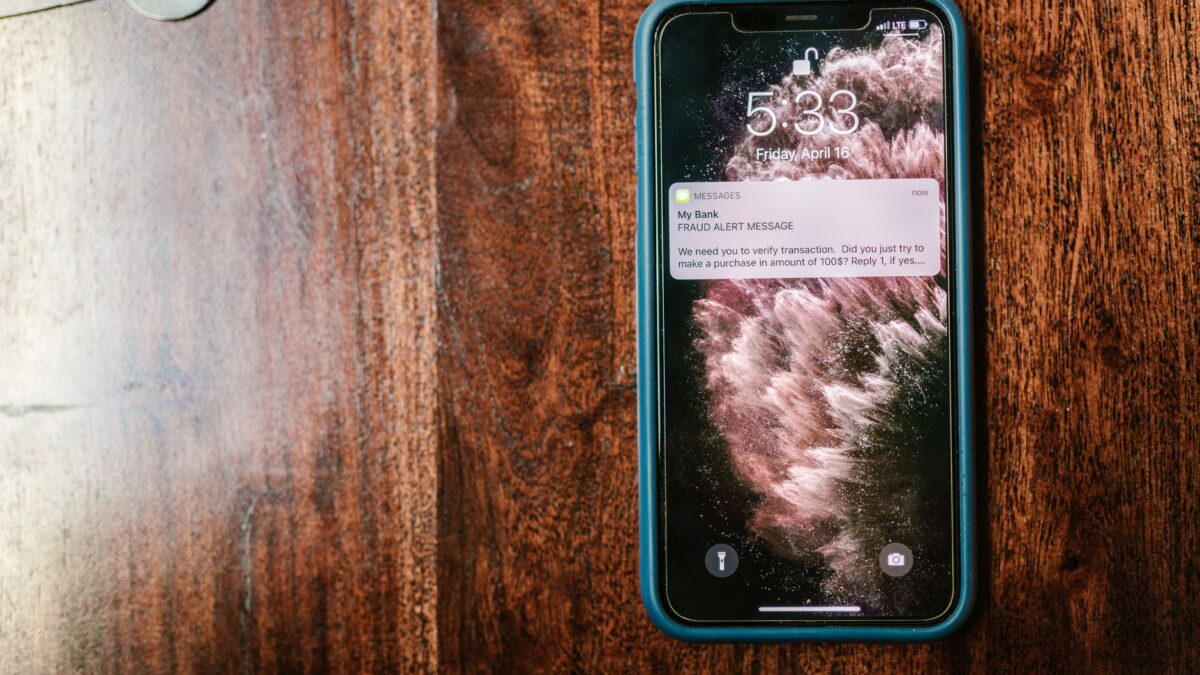
A text message that asks recipients to read a tax notice is leading Android users to a fake Agenzia delle Entrate (the Italian tax agency) website, which asks them to install a counterfeit update of the IO app. The CERT-AGID, Italy’s agency for tracking digital threats, documented the campaign on Nov. 17, 2026. The malware it spreads is called Mirax and can read text messages and one-time codes. This account is based on a report by Europol Investigazioni, a private fraud-investigation firm.
What the fake update does on an Android phone
The fake site distributes an APK, a package used to install an app on Android outside the official store. Once opened, the app copies the look of IO, the public-services app, and offers to complete an update. Even the notice that mimics Google Play Protect is part of the screen built to persuade the user to go on.
According to the CERT-AGID analysis as relayed by Europol Investigazioni, Mirax can read SMS messages and one-time codes and let third parties control the phone. If it obtains certain accessibility permissions, it can interfere with what the user sees and does. A screen that appears to ask for banking access can then collect credentials.
On iPhone, the Android file used in this campaign does not install. Any password typed into a fake page should still be treated as exposed.
What it means for people who received the message
The steps depend on how far the user went, according to Europol Investigazioni:
- Only received the SMS or opened the page: close the page, keep the message and avoid further contact with the sender. Opening the link alone does not show that Mirax was installed. If the file appears among downloads, do not open it and note its name.
- Installed the app or granted accessibility functions: stop using the phone for payments, logins and security codes, and switch off Wi-Fi and mobile data. From another phone, call the bank’s official number and ask it to check transactions, logins and linked devices. Have the phone checked before using it again for sensitive operations.
- Typed passwords, card details or a one-time code: contact the provider from a trusted device. For card or account data, ask for the exposed instrument to be blocked and recent operations checked. For SPID (the Italian digital identity) credentials, contact the identity provider through its official channels. Change identical passwords used elsewhere.
- Already sees a charge: tell the bank at once, note the report number and send a written dispute with amount, date and reference of each operation.
Unknown charges and transfers made under deception
For a payment the user does not recognize, the user can file a disavowal and ask for a refund. If the user made the payment personally, the documentation is assessed in light of the circumstances and of any conduct that can be attributed to the bank, the report says. A user who ordered a transfer following fraudulent instructions should ask the bank right away to try to recall the funds. The outcome depends partly on whether the money is still available.
A police report and a complaint to the bank serve different purposes and can proceed in parallel. The Banca d’Italia (the central bank) explains how to file a complaint and when to turn to the Arbitro Bancario Finanziario (the banking dispute body) in its guide for fraud victims, as cited by Europol Investigazioni.
How to check a tax notice without the link
- Open IO from the icon of the app already installed and read the Messages section.
- Reach the tax agency by typing agenziaentrate.gov.it into the browser.
- For an IO update on Android, open Google Play directly and look for the listing published by PagoPA S.p.A. The stores can also be reached from the official IO website.
The sender shown in an SMS and the logo on a page can be imitated. A request to install a file manually in order to read a notice is enough reason to stop.
What to keep as evidence
Europol Investigazioni advises keeping the original SMS, the time it arrived, the displayed sender, the text of the link and any alerts from the bank. If the phone is isolated, the visible screens can be photographed with another device, without reopening the suspect page. For each charge, note amount, time, beneficiary and reference as they appear in bank documents, keeping approximate times separate from those confirmed by receipts.
A caller who claims to be from the bank’s anti-fraud team should be told the conversation is over, and the official service called back personally. The report treats this as a separate risk from the Mirax campaign.
Source: Europol Investigazioni